
Courses
IFERROR Function
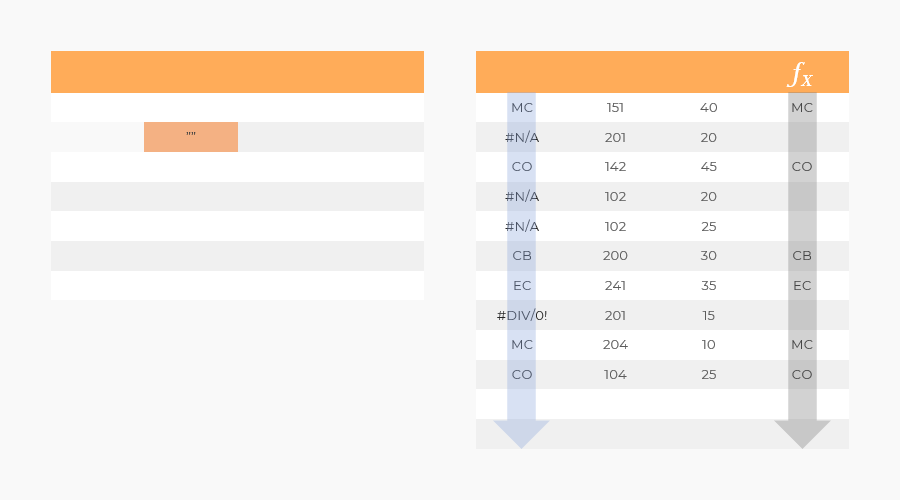
Return value
Returns the second argument if the first argument contains an error. Returns the first argument if no error is found.
Syntax
= IFERROR(value; value_if_error)
Arguments
| Argument | Description |
|---|---|
| value | The Formula or Reference to a Formula where error messages are to be replaced. |
| value_if_error | Return value if an Excel error message is found. |
Remarks
IFERROR can be used to clean up error messages. Error messages can for instance occur when Lookup and Range Functions finds no values (#N/A) or from division with zero (#DIV/0!).
Tip: Understand error messages
Make sure you understand why the error messages occur before using IFERROR, so you don’t hide potential bugs.
Tip: Cleaning error messages
When using IFERROR to clean error messages the following return values are preferred:
- For Numbers: zero (0) or double quotes (“”).
- For Text: double quotes (“”)